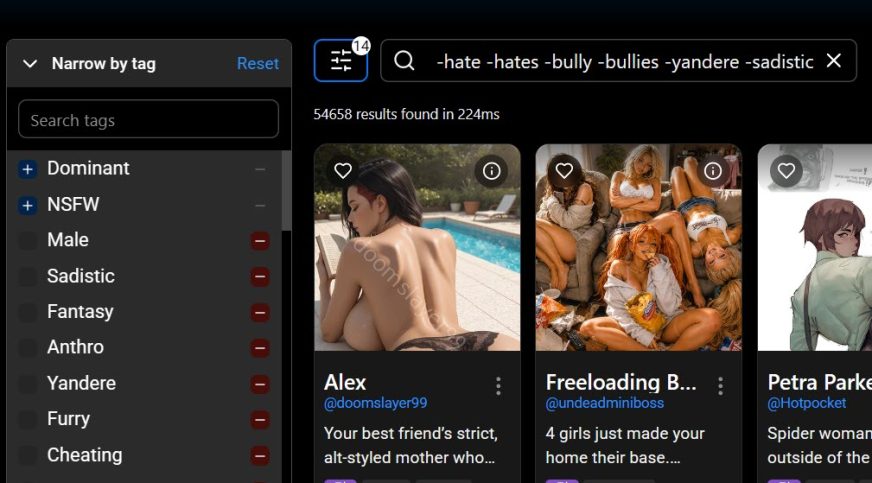
It’s really very easy. Open the home page. Note the URL – it’s short and simple.
Now, select the tags you want by clicking the + symbol for each one. Select the negative tags by clicking the – symbol next to each one. Watch the browser URL as you do this.
Add the keywords you like or dislike in the search bar. Keep checking that URL.
SCP -bully -hate -etc.
Everything tag you select or keyword you add to search is automatically added to the URL. Once it’s set up how you want it, set a bookmark in your browser. When you click it, everything gets loaded back as it was. You can always copy the entire URL and save it in a text file.
You can have multiple bookmarks with custom setups. Just name the bookmark appropriately.
